
Saxo CFDs and UK tax: HMRC rates, not Saxo’s P/L
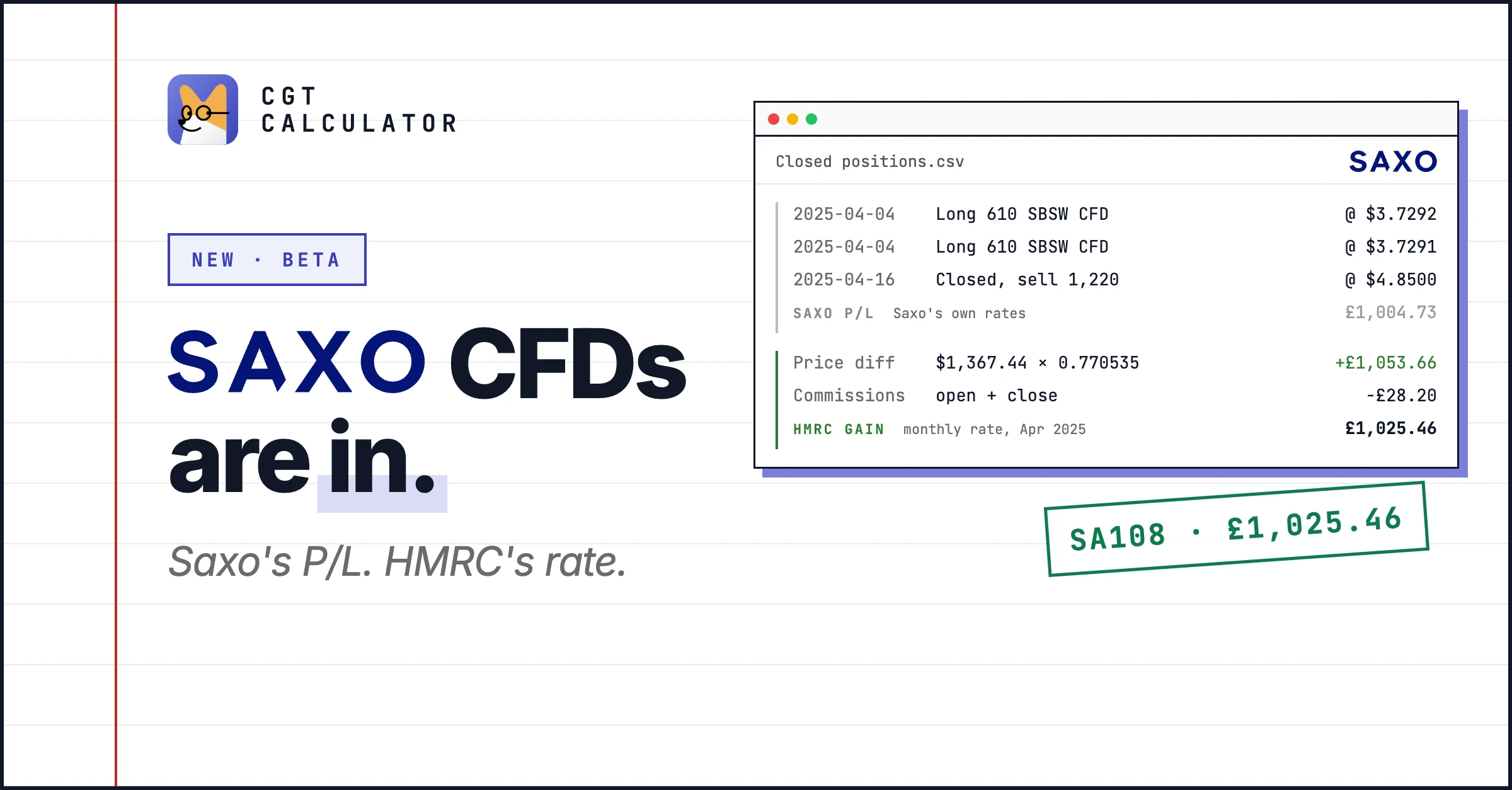
Saxo CFDs are now supported, in beta. Upload the Closed positions report as a CSV and you get the UK gain on each CFD in pounds, the SA108 boxes and a PDF.
The report already has a P/L column. It is not the figure for your return. Saxo pairs trades first in, first out and converts at its own exchange rates. HMRC wants the trades matched by its own rules and each amount converted at its rate.
One close, worked out
Two buys of Sibanye Stillwater CFDs, closed with one sale, from the example report:
| Date | Trade | Price |
|---|---|---|
| 4 Apr 2025 | Buy 610 SBSW CFDs | $3.7292 |
| 4 Apr 2025 | Buy 610 SBSW CFDs | $3.7291 |
| 16 Apr 2025 | Sell 1,220 to close | $4.85 |
Saxo puts the result at £1,004.73. For HMRC, closing a CFD is a disposal, and every debit and credit on it goes into the gain, commission included. The price difference is in dollars, so it is converted at the HMRC rate for the month the position closed:
| Step | Working | Amount |
|---|---|---|
| Price difference | $1,367.44 × 0.770535 (HMRC, April 2025) | £1,053.66 |
| Commissions | opening + closing | −£28.20 |
| Gain | £1,053.66 − £28.20 | £1,025.46 |
£1,025.46 goes in SA108 Other property, boxes 14 to 19, not with your shares. Trades are matched per contract and side across all your Saxo accounts: same day, then the next 30 days, then the Section 104 pool.
How to export
- In SaxoTraderGO or SaxoInvestor, open the main menu → Account activity and reports → Account reports.
- Choose Download report → Closed positions report, from your first CFD trade to today, as Excel.
- Open the file and save the table of closed positions as CSV, headings on the first row. Overlapping files are fine.
What is not covered yet
- Overnight financing and dividend adjustments. They are part of a CFD’s gain, but Saxo puts them on the account statement, not in this report. The report names the tax years to add them to.
- Positions still open on the report’s last date. Download it again once they close.
- Shares and other products. Only CFD rows are read; the rest are named in a warning.
Saxo support is in beta. Check each close against your statement before you file.
Try it
Open the Saxo example report to see the trade above in a finished report, then upload your own CSV. CFDs are on the Investor plan. More on the Saxo page, and the rules are in the CFD chapter.